It started with a notification.
Tunde was having his morning coffee when an alert appeared on his phone: someone had tried to access his investment account.
He opened the app immediately. His portfolio was intact, but the incident made him think. He had spent time researching his investments, understanding the risks and keeping an eye on his portfolio. Yet he had never given the same attention to the security of the account through which he accessed them.
That is an easy thing to overlook.
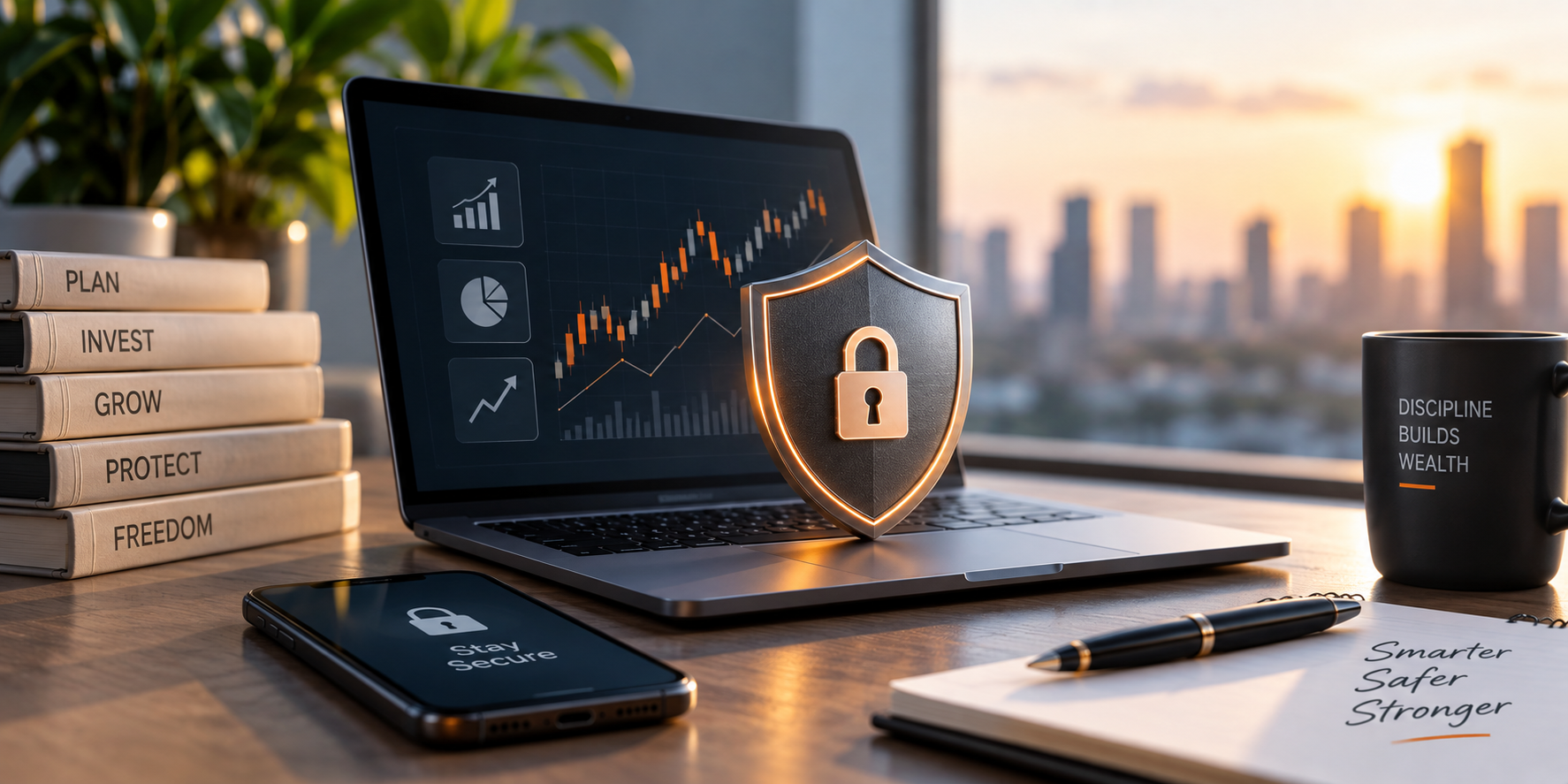
As investing becomes increasingly digital, protecting your investments is no longer only about choosing the right assets. It also means protecting the accounts, devices and information that give you access to them.
Here are five cybersecurity practices every investor should adopt.
- Use a Strong, Unique Password
Your investment account should have its own password. Using the same password for your email, social media and financial accounts can put all of them at risk if one account is compromised.
Create a strong password that is difficult to guess and avoid using obvious information such as your name, birthday or phone number. A password manager can also help you create and securely store different passwords for your accounts.
Most importantly, never share your password with anyone.
- Turn On Two-Factor Authentication
A password provides one layer of protection. Two-factor authentication adds another.
When enabled, you may be asked to provide a verification code or approve a login using another trusted method after entering your password. This makes it harder for someone to access your account even if they have obtained your password.
If two-factor authentication is available on your investment platform, enable it.
- Never Share Your OTP or Verification Code
An OTP can be used to verify or authorise certain transactions and account activities. That makes it information you should keep private.
If someone calls or sends you a message claiming to be from your bank or investment provider and asks for your OTP, password or verification code, do not provide it.
Pause. End the conversation and contact the organisation through an official channel.
A message that creates panic or pressure to act immediately deserves extra caution.
- Be Careful with Links and Messages
A message telling you that your account has been suspended, your investment needs verification or you need to click a link to complete a transaction can look genuine.
It may not be. Phishing scams are designed to trick people into giving away passwords, financial information or other sensitive details. Before clicking a link, check where it came from and whether the request makes sense.
When in doubt, open your investment app directly or type the organisation’s official website into your browser instead of following the link in the message.
- Keep Your Phone and Apps Updated
Your phone is often the gateway to your financial accounts, so it needs protection too.
Install updates for your phone’s operating system and investment apps when they become available. Updates can include fixes for known security vulnerabilities, alongside new features and improvements.
Use a screen lock, download apps only from trusted sources and avoid accessing sensitive financial accounts on unsecured public networks where possible.
Protect the Door to Your Investments
Tunde was careful about where he put his money. The experience reminded him that where you invest is only part of the equation; how you protect access to your investments matters too.
The same applies to anyone managing investments through a digital platform such as our NorrenWorld App. The convenience of checking and managing your finances from your phone also means taking responsibility for the security of the device and account you use.
Good cybersecurity does not have to be complicated. Strong passwords, two-factor authentication, protecting your OTP, being cautious with links and keeping your software updated are simple steps that can make a meaningful difference.